
AI built for design studios
Focuspilot AI works inside your projects — not in a disconnected chat window. Trim inbox noise, keep procurement accurate, and move proposals faster while your team stays in control.
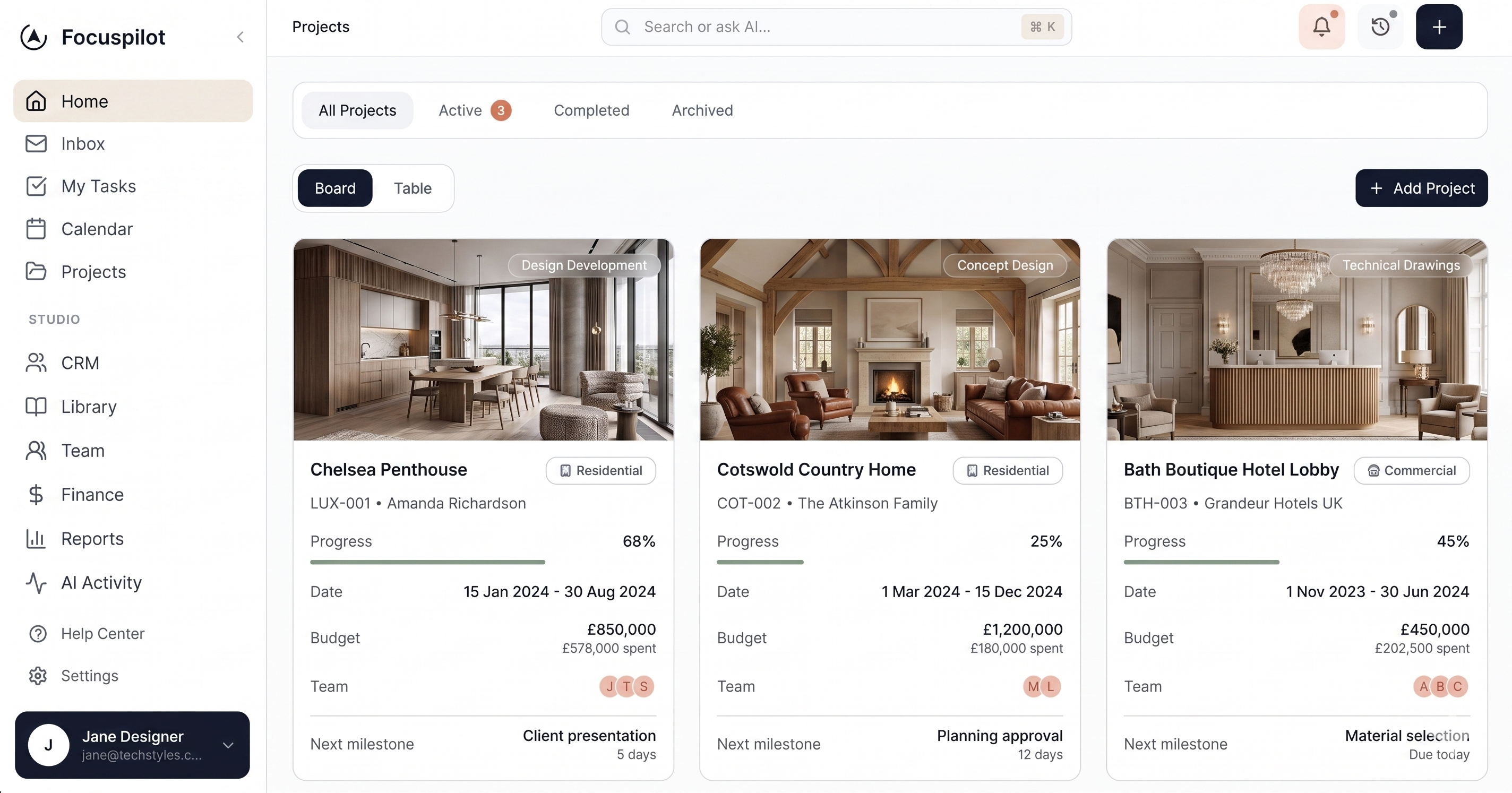
AI across your studio workflow
Four places where AI saves hours every week — each tied to real project data in Focuspilot.
Daily brief
Start each morning with a project-aware summary: overdue tasks, client decisions waiting, procurement risks, and what to tackle first.
See daily briefEmail routing & drafts
Route threads to the right project, summarise long chains, and draft replies in your studio tone — ready for you to send.
Explore AI emailProcurement assist
Extract specs from supplier pages, flag long-lead items, and suggest alternates when timelines slip — tied to your FF&E schedule.
See AI procurementProposals & documents
Turn briefs and selections into scoped proposals and invoice-ready line items with checks that match your templates.
Proposals & invoicingInside the product
Screenshots from the live studio app — the same AI tools you get after signup.
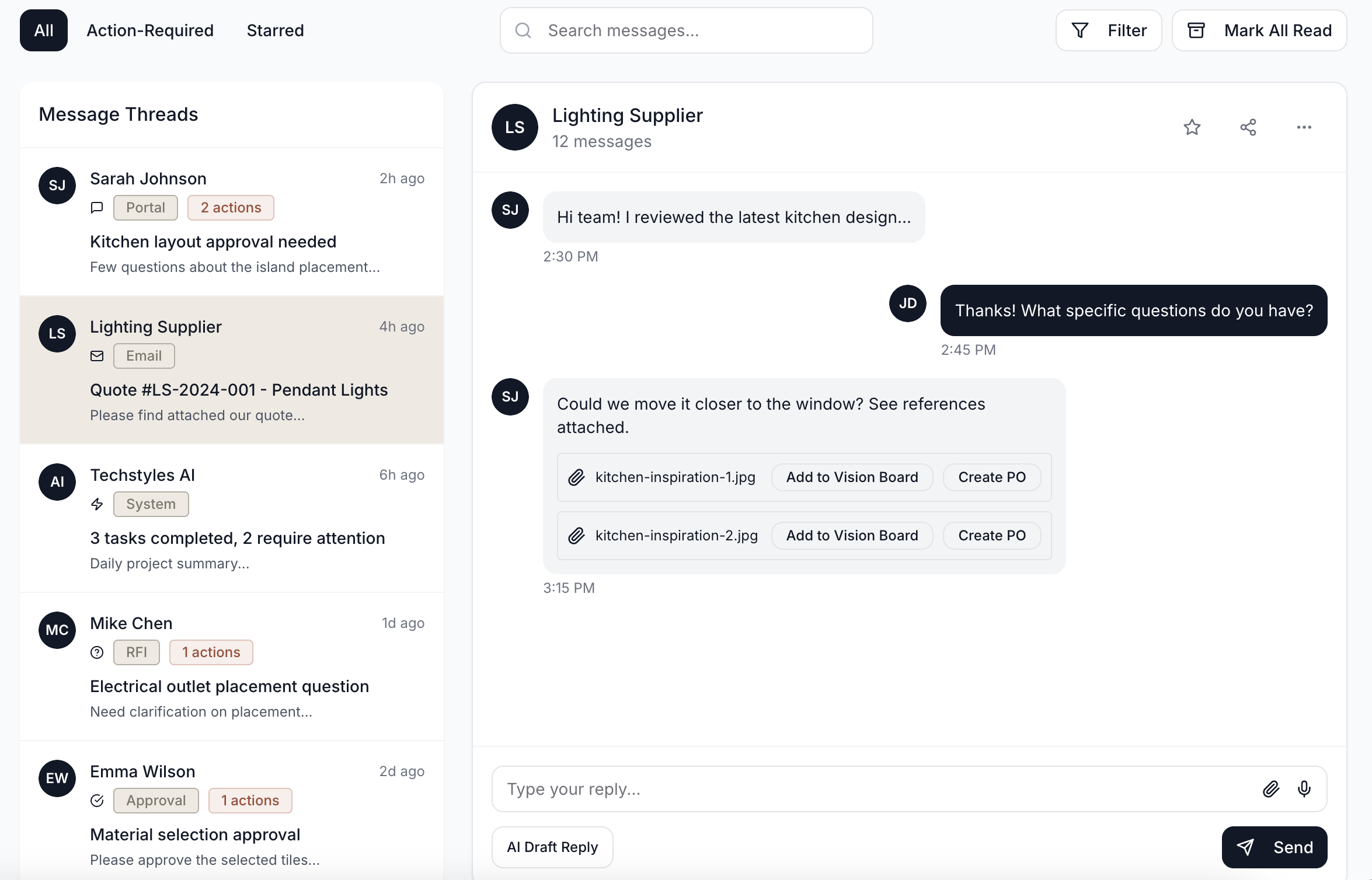

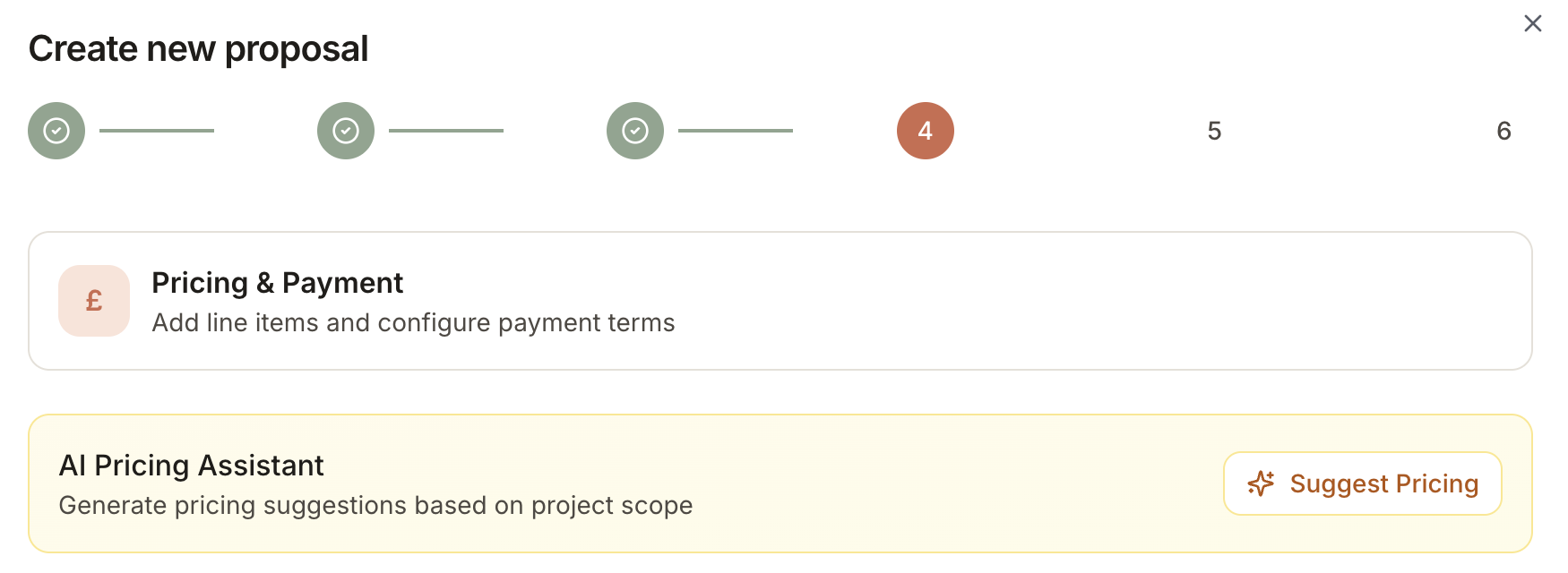
Your morning brief, project by project
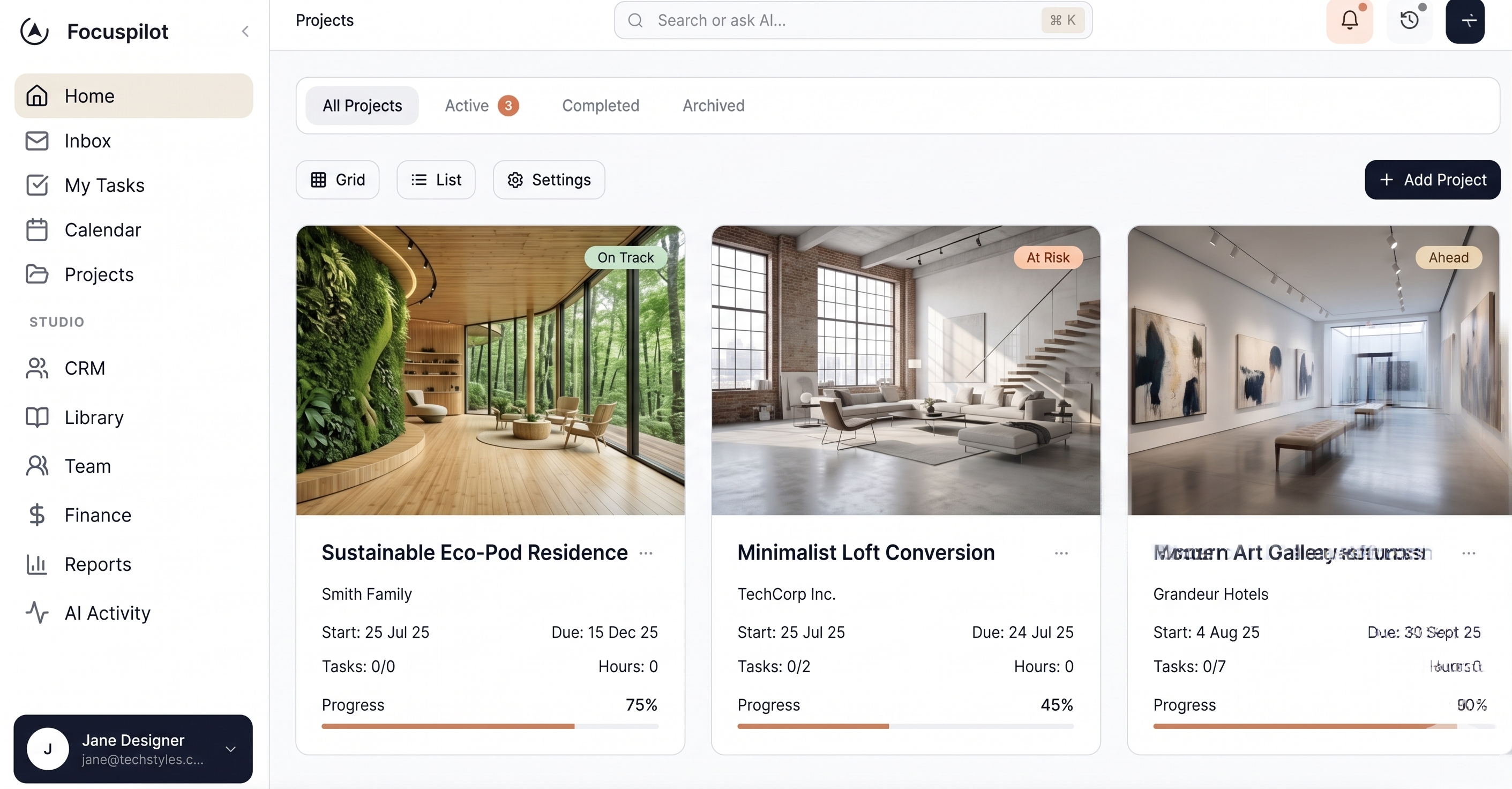
Open Focuspilot and see what matters today: blocked approvals, slipping milestones, supplier delays, and client messages that need a reply — grouped by project, not buried in email.
- Summarises overnight email and task changes
- Highlights budget and timeline risks before site meetings
- Available in the studio app after you sign up
How it works
Context first, drafts second, your approval last — the same pattern across email, procurement, and docs.
- 1
Project context
AI reads your active projects — phases, selections, messages, and budgets — so suggestions stay specific, not generic.
- 2
Draft
Get summaries, reply drafts, spec extractions, or proposal sections you can edit in seconds instead of starting from a blank page.
- 3
Human approve
Nothing goes to clients or suppliers until you confirm. You stay in control; AI handles the repetitive first pass.
Free AI Playbook for studios
Practical workflows, copy-paste prompts, and guardrails for email, procurement, proposals, and governance — no fluff, ready to use with Focuspilot.
Open the AI PlaybookShip beautiful work with less admin
Join studios using Focuspilot AI for inbox, procurement, and proposals — connected to one project workspace.
No credit card required