
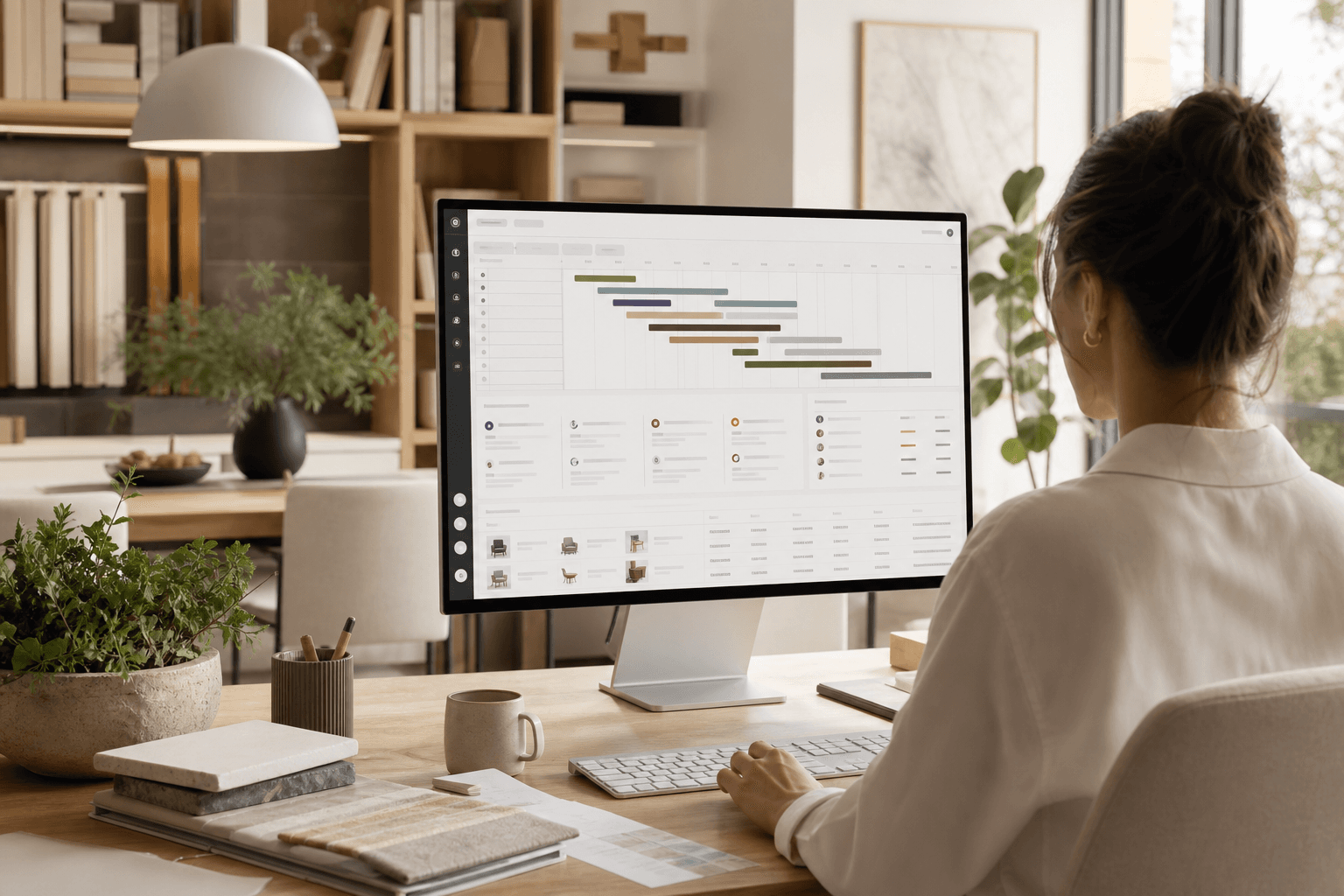
If you search for an interior design project management system, you are usually past the point of pretending email and Excel are enough. You have multiple active jobs, long-lead procurement, client approvals that stall in inboxes, and finance data that never quite matches what the team sees on site.
This guide explains what a modern interior design project management system is, which modules matter for residential and commercial studios, how AI and client portals fit in 2026, and how to implement a platform without derailing delivery for three months.
Whether you are a ten-person UK practice on Xero or a growing US firm juggling QuickBooks and national vendors, use this as your reference architecture—not a generic SaaS feature list.
What is an interior design project management system?
An interior design project management system is software that connects project delivery (phases, tasks, documents), procurement (FF&E schedules, POs, lead times), stakeholder collaboration (client and contractor portals), and commercial control (invoicing, margin, accounting sync) in one record per project.
It is not:
- A generic task app with a pretty board
- Accounting software with a project tag bolted on
- A file-sharing folder your clients never open
- A mood-board tool that ignores install week
Design-native systems treat selections, approvals, and money as part of the same timeline as design tasks—because on real projects, they are.
Why spreadsheets and inbox threads break down
Spreadsheets work until they do not—usually when:
- Two project managers maintain different versions of the FF&E schedule
- A client approves a finish in email but the PO team never sees it
- Site asks for a dimension that lived in a PDF attachment from March
- Finance closes the month while procurement still shows items as "pending"
Email is excellent for relationships and terrible as a database. Every hour spent searching threads is margin you cannot invoice. A project management system does not replace conversation—it gives decisions a timestamp, owner, and project home.
The seven modules every serious system includes
1. Project hub and phases
Projects need a single home: brief, budget, team, rooms, and phases (concept, design development, procurement, install). Tasks should roll up to phases so you can see whether design is on track while procurement is already late.
Look for timeline or Gantt views, templates you can reuse per project type, and filters by assignee, client, or studio.
2. Task and team collaboration
Comments, @mentions, and activity on the task beat a Slack channel that loses context after ninety days. Real-time or near-real-time updates matter when multiple designers touch the same deliverable.
3. FF&E and procurement
Room-based schedules, supplier links, status (specified → ordered → shipped → delivered), client visibility toggles, and export to CSV or site packs. Procurement is often the critical path—your system should treat it as equal to design tasks.
4. Document control
Drawings, specs, contracts, and site photos with version history and share rules (client vs contractor). Nested folders per phase reduce "which PDF is current?" panic before install.
5. CRM, proposals, and pipeline
Contacts, leads, and proposals that connect to projects when you win the job. AI-assisted scope and pricing drafts save hours if humans approve before send.
6. Finance and profitability
Project invoices, purchase orders, payment reminders, and budget vs actual. Native Xero (UK) or QuickBooks (US) sync avoids double entry. Stripe Connect supports client payments through a branded portal.
7. Stakeholder portals
Client portals for approvals, messages, invoices, and presentations. Contractor portals for shared docs, procurement sign-off, and field access (QR codes, insurance tracking). Supplier portals for catalog and orders when you scale trade relationships.
Four-sided platforms—studio, client, contractor, supplier—are rare; they reduce WhatsApp chaos on complex installs.
AI in 2026: what helps vs what hype
Practical AI inside an interior design project management system includes:
- Daily brief — overnight email, tasks, and risks summarised by project
- AI inbox — thread summaries and reply drafts in your studio tone
- Note-taker — site visits and meetings turned into decisions and action items
- Product clipper — specs extracted from supplier pages into your library
- Proposal drafts — scope and fee lines from a brief (with human approval)
AI should accelerate admin, not autopilot client commitments. Studios that win treat AI as a first draft—never the final send without review.
Integrations that matter
- Gmail + Google Calendar — project-scoped email and scheduling
- Xero / QuickBooks — invoice and contact sync
- Stripe — deposits and client pay
- Notion / Zapier — optional sync for teams with existing rituals
Evaluate integrations on a live project, not a sales demo. A broken OAuth sync is worse than no integration.
Implementation roadmap (30–60 days)
- Week 1–2: Pick one active project. Recreate phases, rooms, and top twenty procurement lines.
- Week 3: Run one client approval through the portal; one contractor doc share.
- Week 4: Raise a stage invoice and confirm accounting sync.
- Week 5–6: Add AI note-taker or inbox on the same project; train team on one ritual (Monday brief).
- Week 7–8: Migrate a second project; retire the shadow spreadsheet if adoption holds.
If designers keep a "secret" Excel file after eight weeks, fix workflow or switch tools—do not force a failed pilot.
How studios measure success
- Approval turnaround days (client portal vs email)
- POs issued on time vs install date
- Hours logged per phase vs proposal assumptions
- Margin at 50% project completion—not only at closeout
- Support tickets / "where is the file?" messages from clients
FAQ: interior design project management systems
Is Monday.com or Asana enough for interior design?
They handle tasks well but rarely model FF&E rooms, client approval trails, design fees vs pass-through costs, or accountant-ready invoicing. Most studios outgrow them when procurement volume rises.
How is this different from Programa or Houzz Pro?
Programa leads on spec libraries and trade content; Houzz Pro leans construction and lead gen. A studio OS like Focuspilot emphasises multi-portal delivery, UK/US finance, and AI admin in one monorepo—compare based on your wedge (see our Programa comparison).
What does implementation cost beyond subscription?
Budget internal time: 10–20 hours for setup, plus change management. Paid migration from legacy tools may be worthwhile for firms with years of historical data.
Do clients actually use portals?
Yes—when approvals show schedule impact and files are easier than email. Portals fail when they are empty shells with nothing to approve.
Where Focuspilot fits
Focuspilot is an AI-native interior design project management system built for studios that need projects, procurement, Xero/QuickBooks finance, client and contractor portals, note-taker, and AI inbox in one workspace—not five logins.
Explore project management, procurement, and AI features, or start a free trial and map your next live job end-to-end.